

Get started in three steps
Step 1: Set up your own fork
Fork the Plazen repository
Fork the Plazen repository
Go to our repository and fork the repository
Clone the repository
Clone the repository
git clone https://github.com/<your-username>/plazen.gitStep 2: Set up the local enviroment.
Set up a new Supabase project
Set up a new Supabase project
We use Supabase for our database and Auth.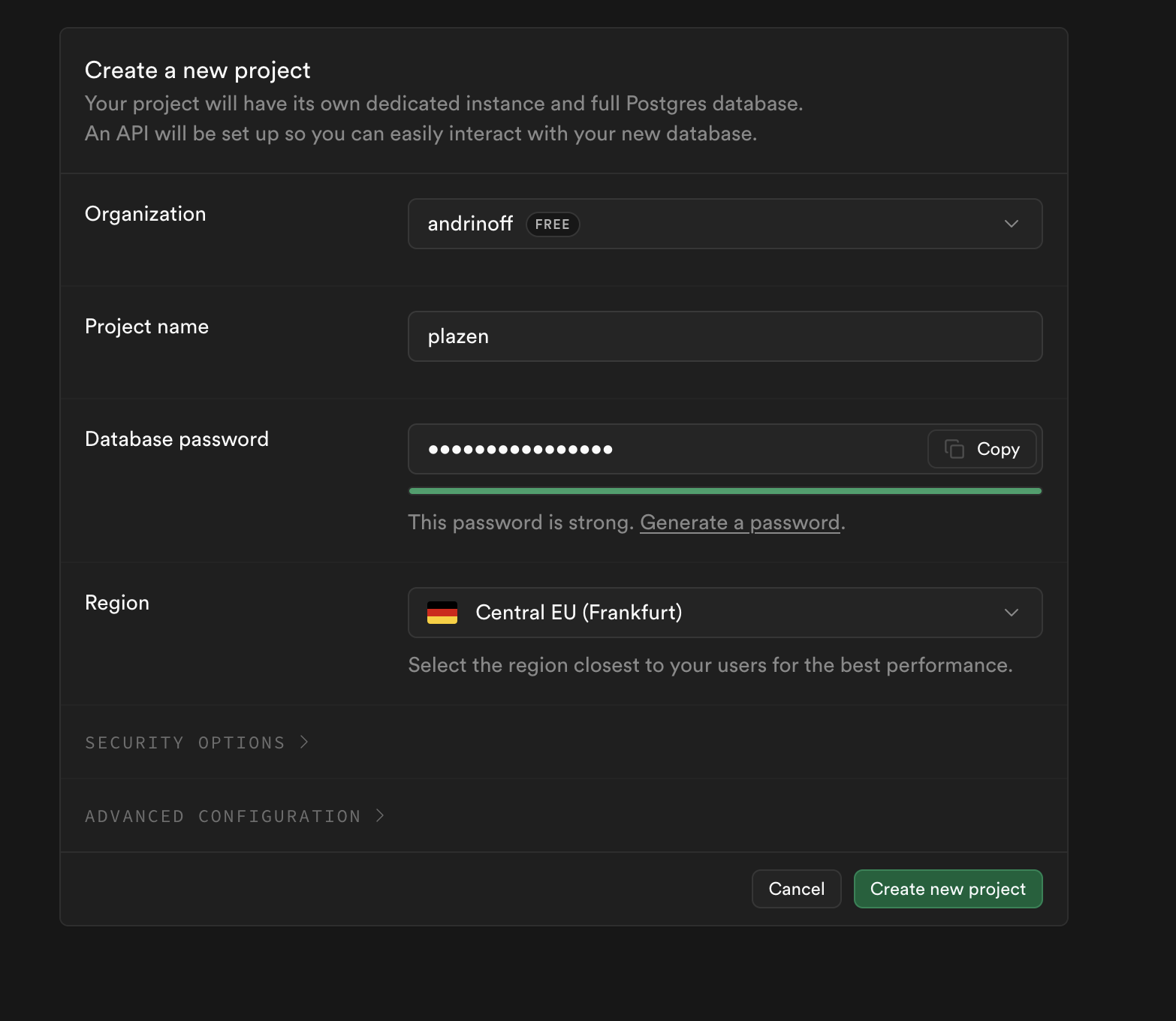
To create a new project:
Type in the name and a strong password (will be needed later)
To create a new project:
Type in the name and a strong password (will be needed later)
Update local environment
Update local environment
To set up the project, you need to configure your environment secrets
-
Copy the example environment file
- Fill in all of your secrets
Step 3: Start the project!
Publish your Plazen
Publish your Plazen
Use any hosting service (e.g. we use vercel) and start the project!
For local use:
For local use: